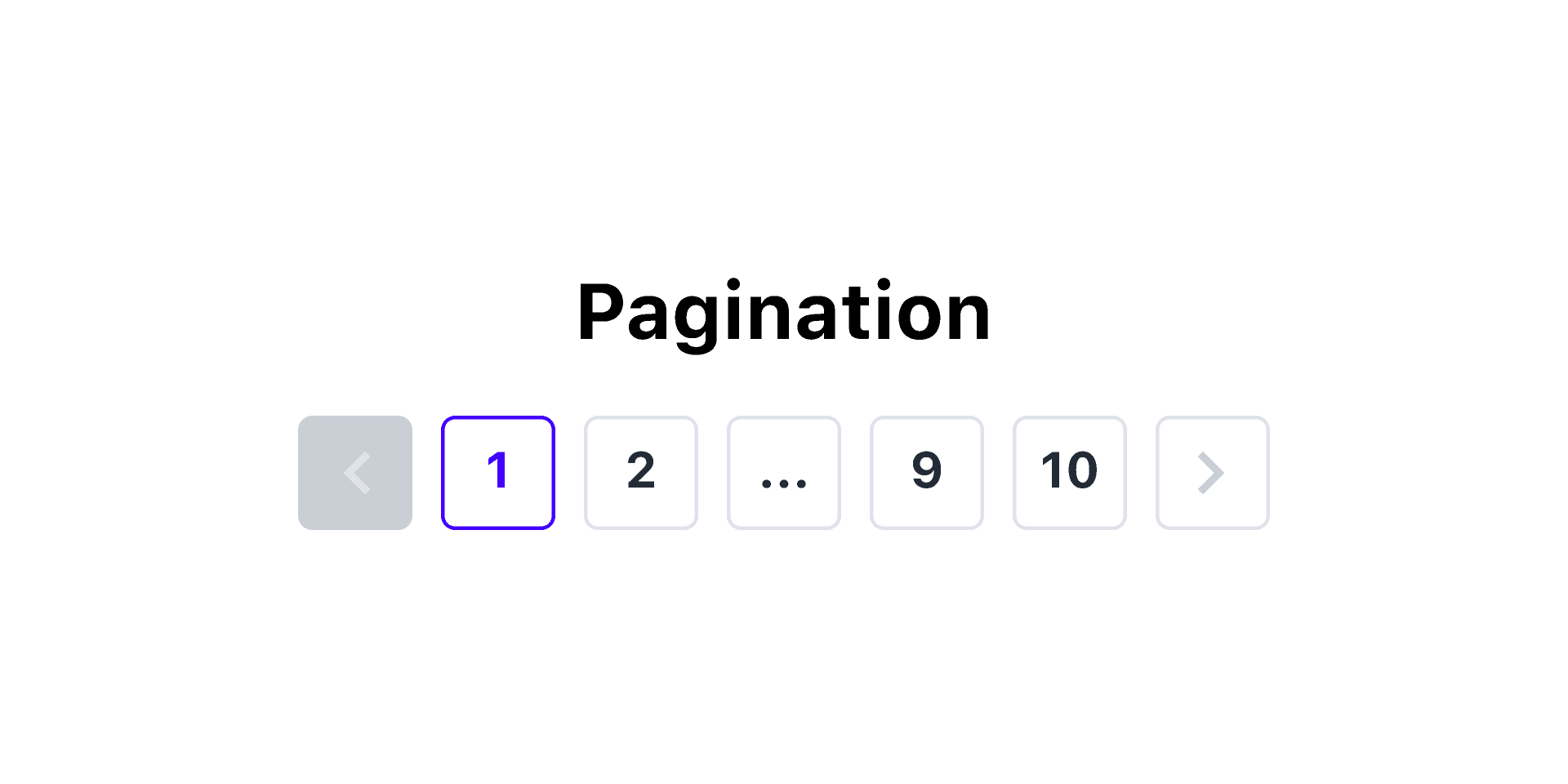
Pagination is a crucial feature for web applications that display large amounts of data. It improves performance and enhances user experience by dividing data into manageable chunks. This post will focus on implementing client-side pagination using React.js. 🔻
What is Client-Side Pagination?
Client-side pagination involves loading the entire dataset into the browser and managing the display of data in smaller pages on the client side. This approach is ideal for datasets that are not excessively large and can be handled efficiently by the browser.
Benefits of Client-Side Pagination
- Speed: Switching between pages is instantaneous since all data is already loaded.
- No Additional Server Requests: Reduces the need for multiple server calls after the initial data fetch.
- Simplicity: Easy to implement compared to server-side pagination.
When to Use Client-Side Pagination
- When the dataset is relatively small.
- When you aim to reduce server load and network requests.
- When users are expected to interact with data without frequent updates from the server.
Implementation of Client-Side Pagination in React.js
1. Setting Up the Project
First, create a React app if you don’t already have one:
1npx create-react-app client-side-pagination
2cd client-side-pagination
3npm start
4
2. Creating the Data
For demonstration purposes, we’ll use a mock dataset. Alternatively, you can fetch data from an API.
1const mockData = Array.from({ length: 100 }, (_, i) => `Item ${i + 1}`);
2
3. Creating the Pagination Component
1import React, { useState } from 'react';
2
3const Pagination = ({ data, itemsPerPage }) => {
4  const [currentPage, setCurrentPage] = useState(1);
5  const totalPages = Math.ceil(data.length / itemsPerPage);
6
7  const startIndex = (currentPage - 1) * itemsPerPage;
8  const currentItems = data.slice(startIndex, startIndex + itemsPerPage);
9
10  const handlePageChange = (page) => {
11    setCurrentPage(page);
12  };
13
14  return (
15    <div>
16      <ul>
17        {currentItems.map((item, index) => (
18          <li key={index}>{item}</li>
19        ))}
20      </ul>
21
22      <div>
23        {Array.from({ length: totalPages }, (_, i) => (
24          <button
25            key={i}
26            onClick={() => handlePageChange(i + 1)}
27            style={{ margin: '0 5px', fontWeight: currentPage === i + 1 ? 'bold' : 'normal' }}
28          >
29            {i + 1}
30          </button>
31        ))}
32      </div>
33    </div>
34  );
35};
36
37export default Pagination;
38
4. Using the Pagination Component
1import React from 'react';
2import Pagination from './Pagination';
3
4const App = () => {
5  const mockData = Array.from({ length: 100 }, (_, i) => `Item ${i + 1}`);
6
7  return (
8    <div>
9      <h1>Client-Side Pagination</h1>
10      <Pagination data={mockData} itemsPerPage={10} />
11    </div>
12  );
13};
14
15export default App;
16
5. Styling the Pagination
Add some basic CSS to improve the appearance:
1button {
2  padding: 5px 10px;
3  border: 1px solid #ccc;
4  background-color: #f9f9f9;
5  cursor: pointer;
6}
7
8button:hover {
9  background-color: #eaeaea;
10}
11
12ul {
13  list-style-type: none;
14  padding: 0;
15}
16
17li {
18  margin: 5px 0;
19}
20
6. Running the Application
Run the app with npm start, and you should see a list of items divided into pages. Use the navigation buttons to switch between pages.
Conclusion 🔻
Client-side pagination is a straightforward and effective way to manage smaller datasets in React applications. By leveraging React’s state management, you can create a dynamic and responsive pagination experience for your users. For larger datasets, consider implementing server-side or infinite scrolling techniques.
Happy coding! 🧑🏾💻